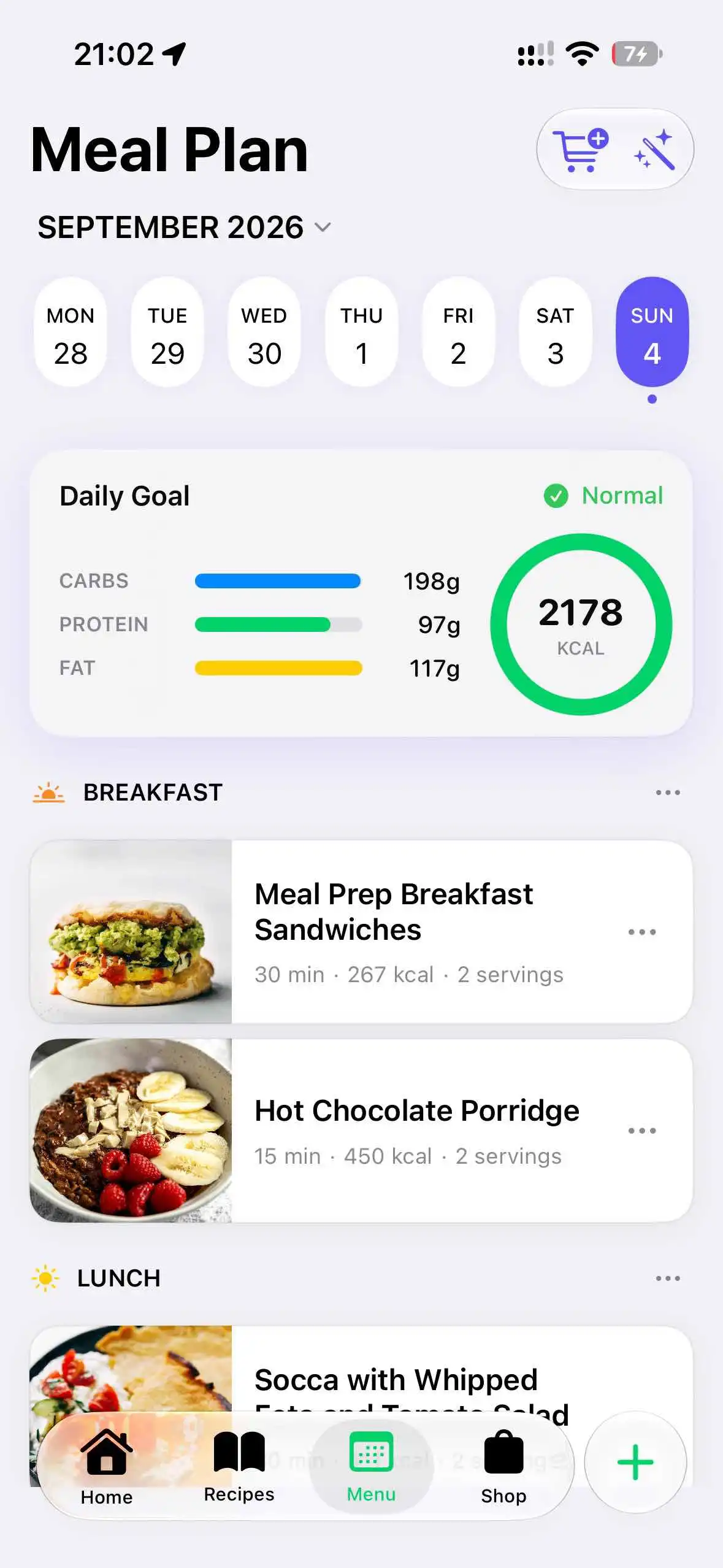
Weekly meal plannerA week of meals, without starting from scratch.
Set your calorie goal and let Miso suggest a weekly menu. Keep the meals you like and change the rest to suit your week.


Miso Cook · Recipes, meal plans & grocery lists
That recipe you saved on Instagram? Make it for dinner. Miso brings recipes from TikTok, Instagram and food blogs into one place, with a weekly meal plan and a grocery list you can share.
Free to download · In-app purchases · For iPhone & iPad · iOS 18+
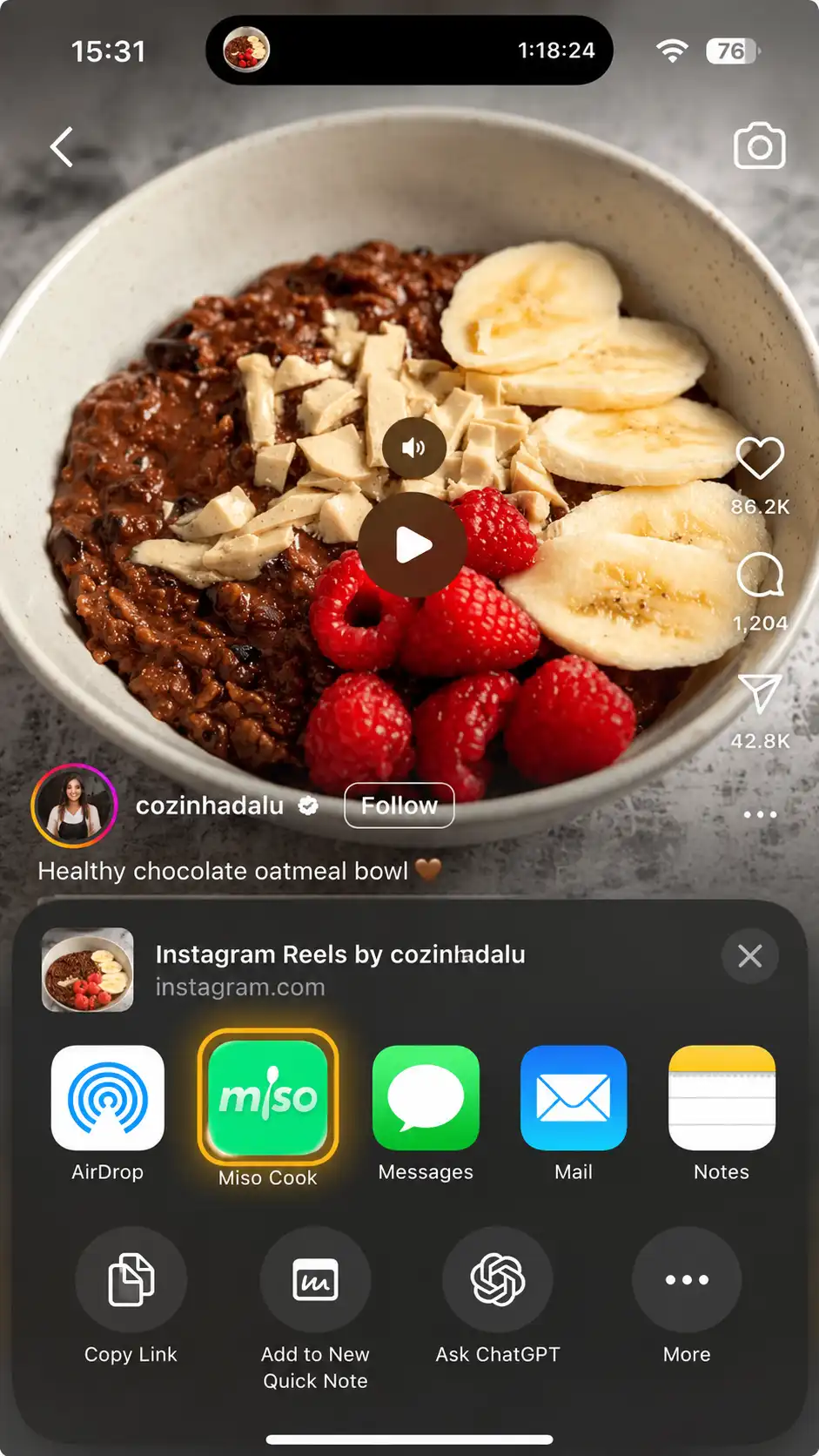
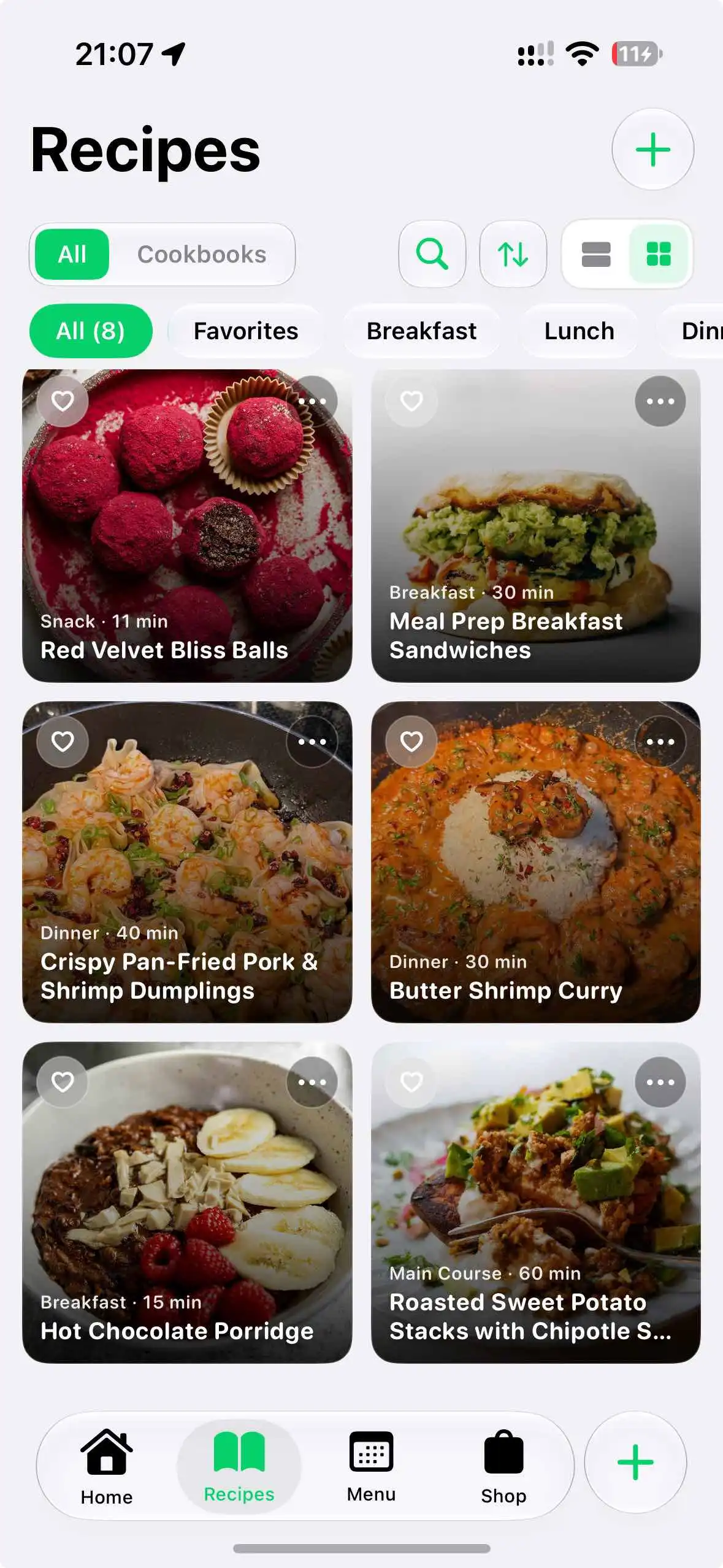
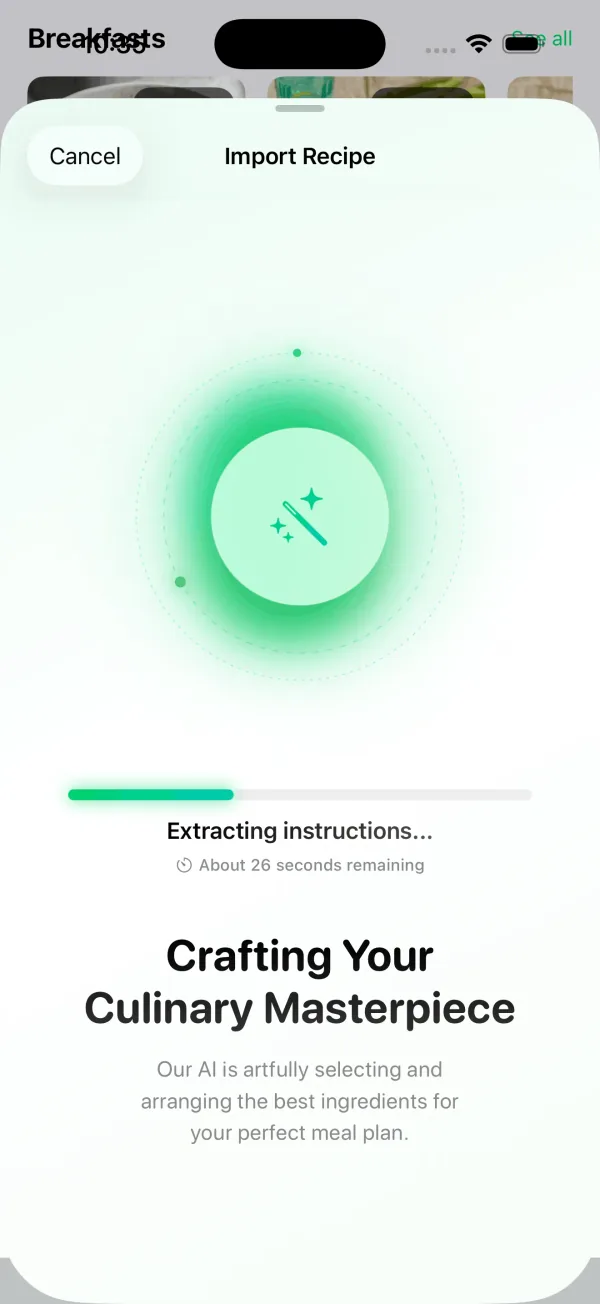
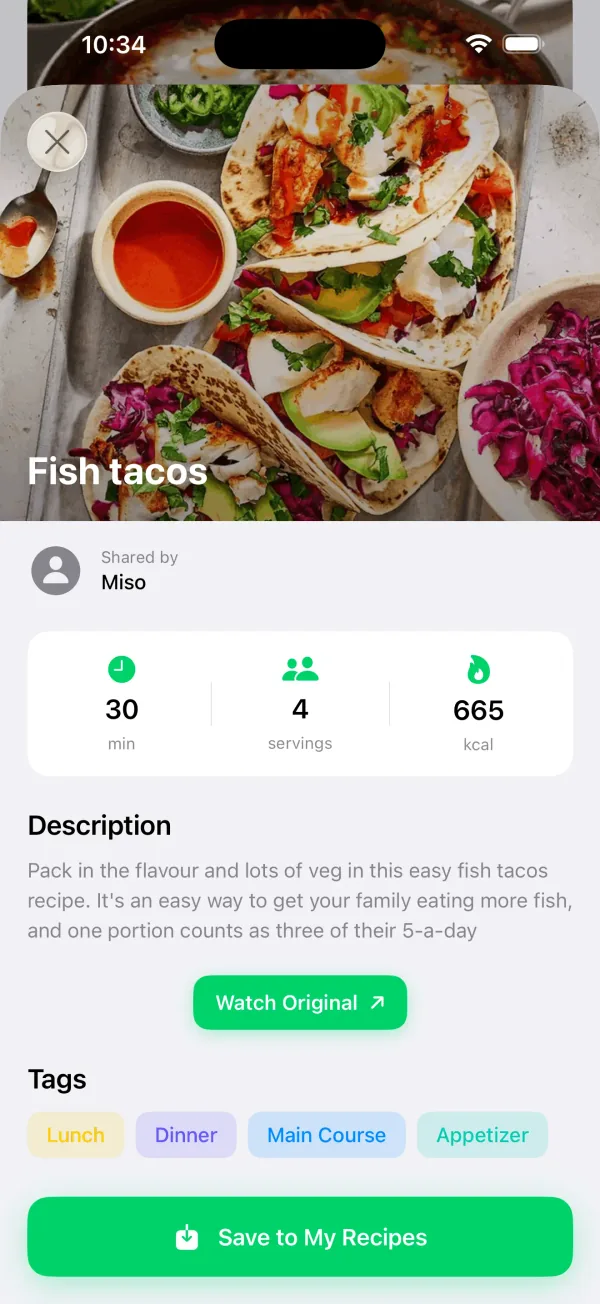
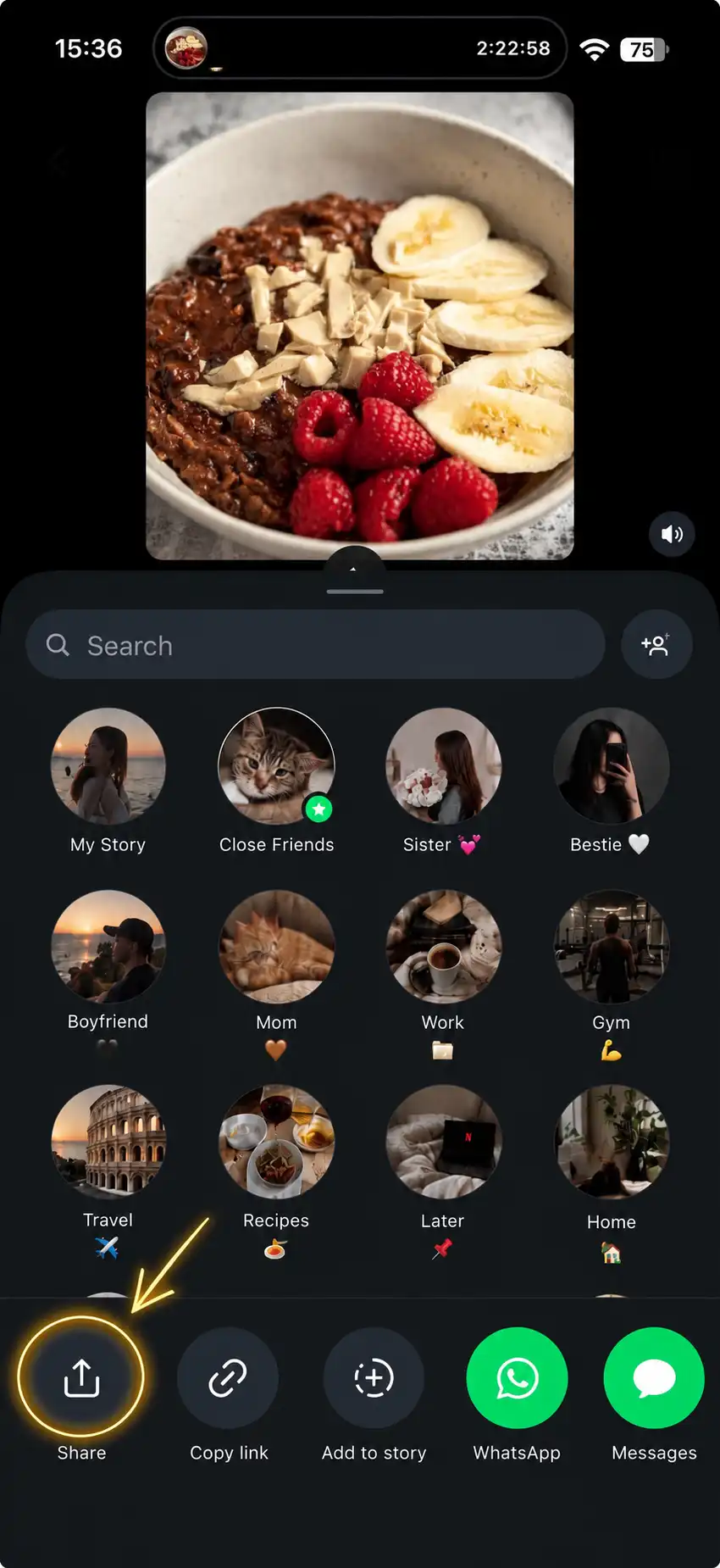
Tap Share on a recipe post and choose Miso. It reads the description and turns the ingredients and instructions into a recipe you can cook from. Check it, save it, and find it here next time you're hungry.
Set your calorie goal and let Miso suggest a weekly menu. Keep the meals you like and change the rest to suit your week.
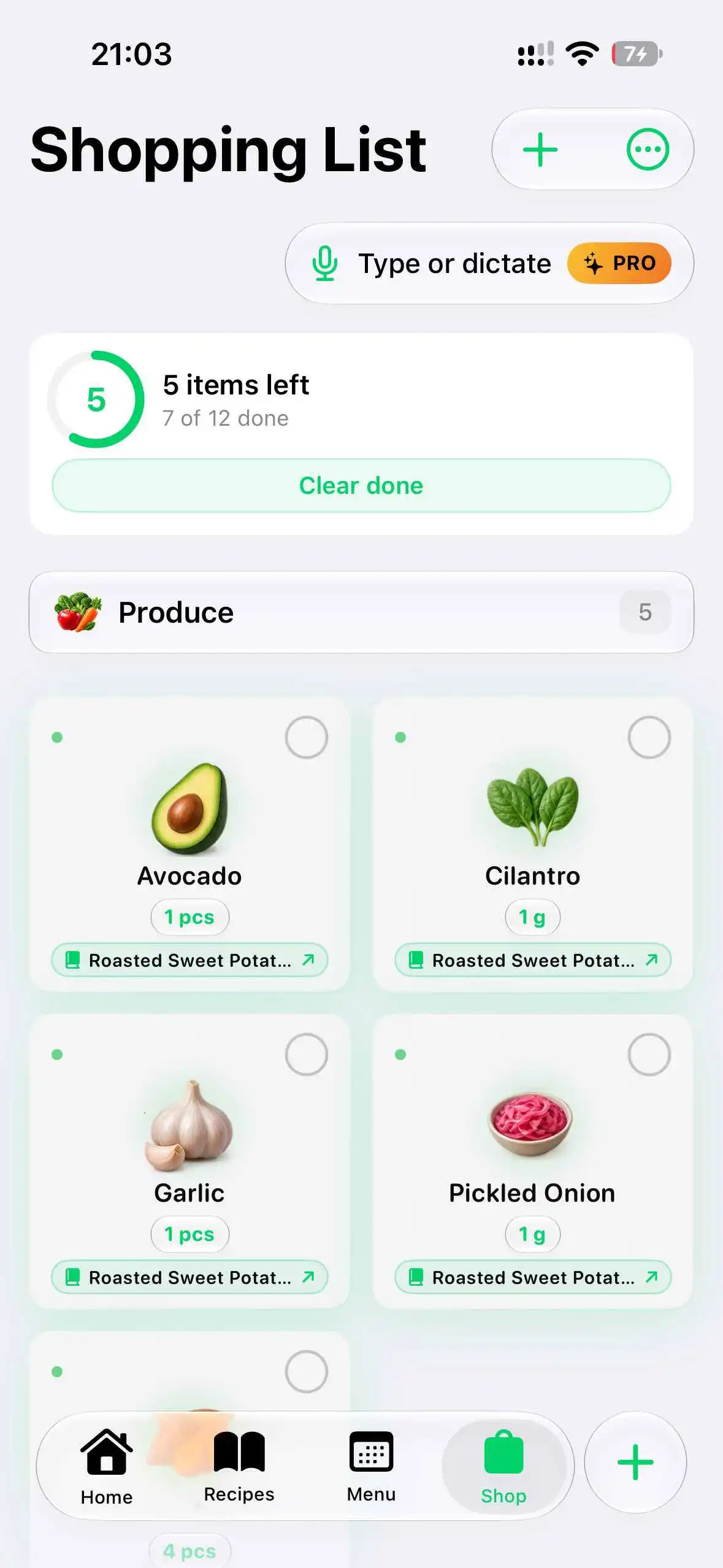
Add a recipe or your weekly plan. Miso combines repeated ingredients and groups the list by category, so you can check off the produce before moving on to dairy.
Invite your partner, family or housemates with a QR code. Share recipes, meal plans and groceries. When someone checks off the milk, the list updates on your phone too.
Share the post with Miso. It reads the recipe text in the description and organizes the ingredients and steps. The result depends on what the author includes, so you can review and edit it before saving.
TikTok, Instagram, YouTube descriptions and recipe websites. Links with written ingredients and instructions work best. You can also add a recipe yourself.
Yes. Change the serving count to recalculate ingredient quantities. For meal planning, set a calorie goal and generate a weekly menu, or pick the meals yourself. You can edit the plan afterwards.
Create a household in Miso and invite others with a QR code. Members share recipes, meal plans and grocery lists, with changes synced across their devices.
Miso is free to download. Some features and higher usage limits require a paid subscription. You can see the current prices and what's included in the app before subscribing.
Miso stores your recipes and plans to provide the app and household sync. Recipe import uses external AI services to process public links and text. We don't sell personal data, and you can delete your account in Settings. The privacy policy explains the details.
Download Miso and save your first recipe. Then pick a day to cook it and put the ingredients on your list.